Rotating panels in CADCode:
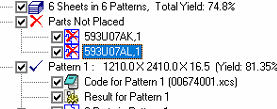
1. Identify the parts that need rotating - this will usually be under 'Parts not Placed'
2. Navigate back to the control panel and find the parts.
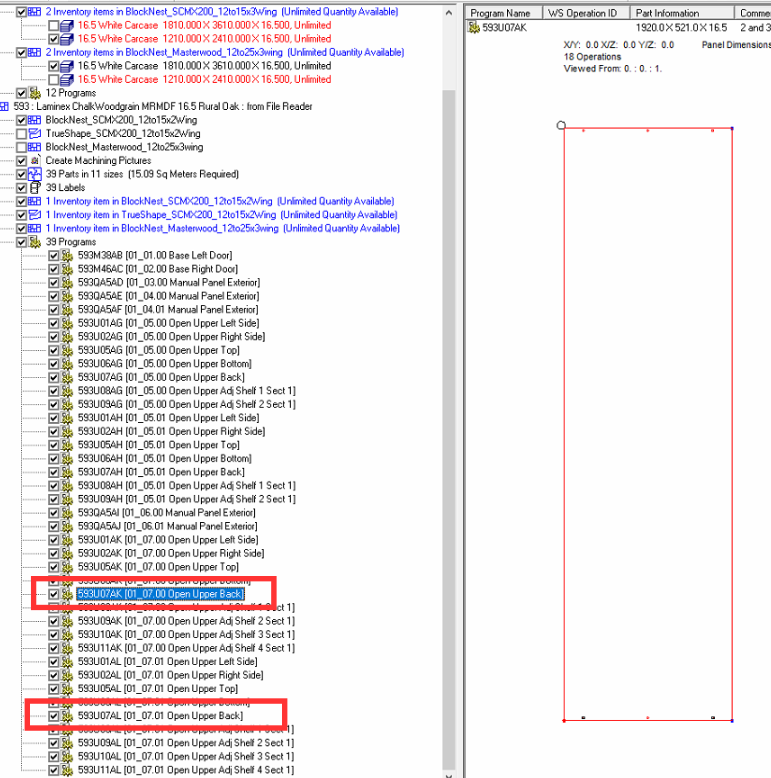
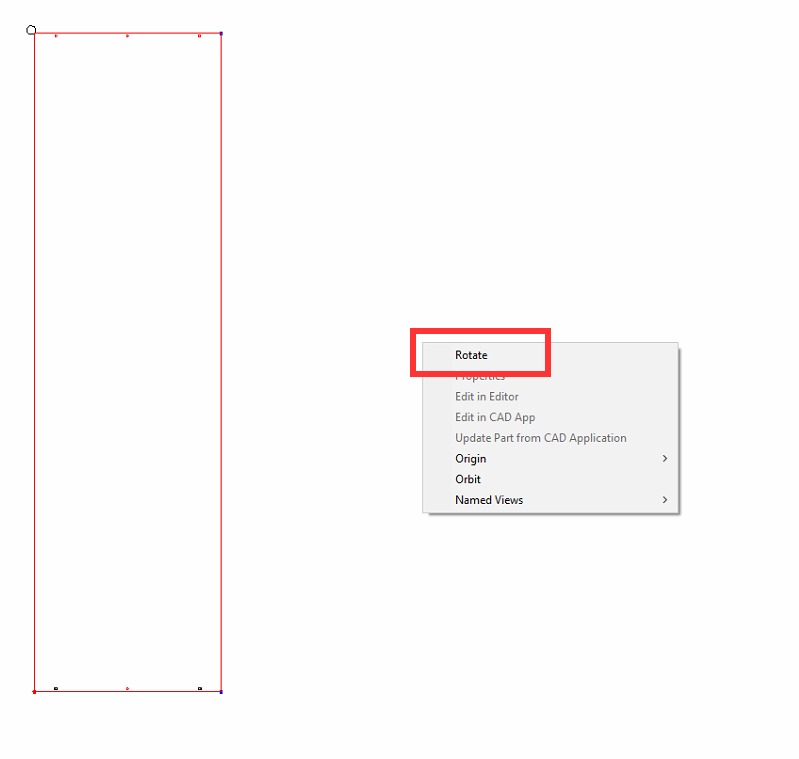
3. Right-click on the image in the right-hand preview and hit 'Rotate'
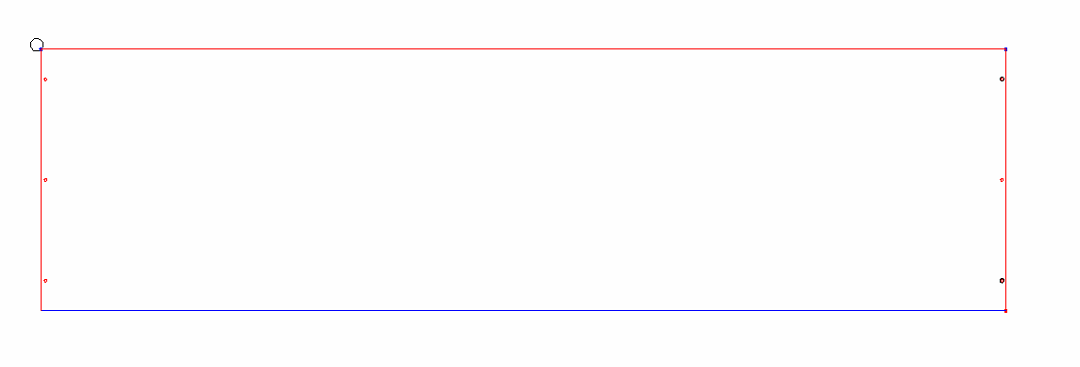 4. Now re-run the job.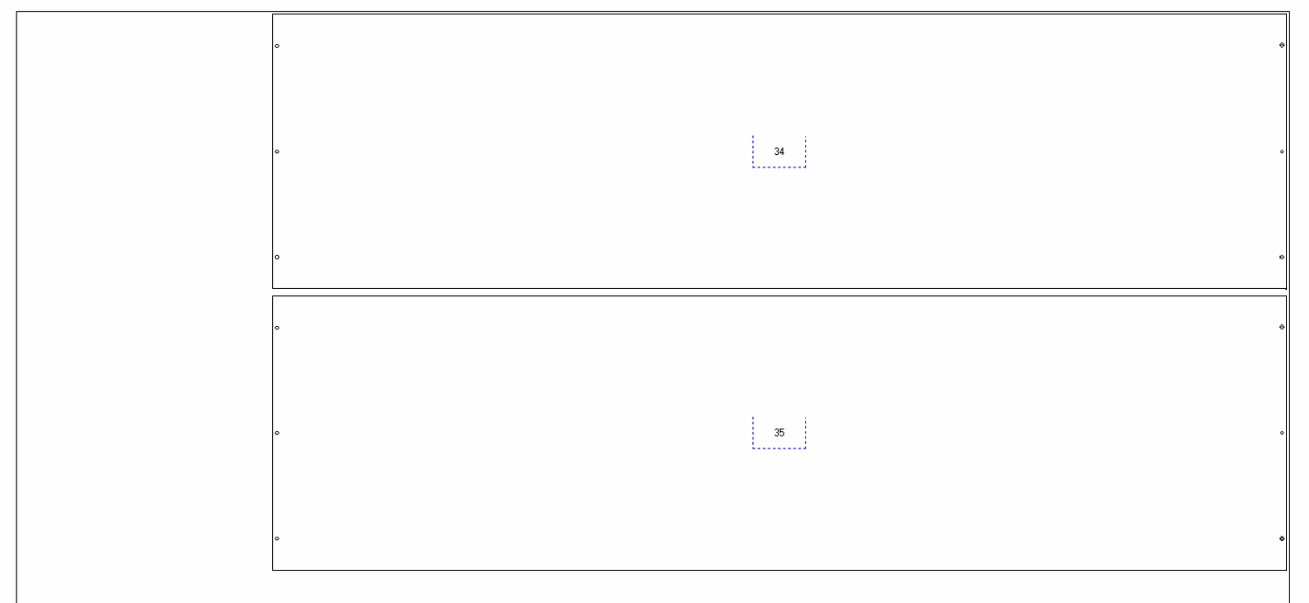
Was this article helpful?
That’s Great!
Thank you for your feedback
Sorry! We couldn't be helpful
Thank you for your feedback
Feedback sent
We appreciate your effort and will try to fix the article