The below link provides a comprehensive suite of video tutorials designed to guide trade professionals through every stage of the online cabinetry ordering process. From broad overviews of the ordering system to in-depth walkthroughs of the 3D Room Planner, these step-by-step guides demonstrate how to build rooms, customize products, set default materials, and generate job details efficiently. Whether you are setting up your account defaults or looking to streamline your workflow with quick-add tools and keyboard shortcuts, this video library offers the essential guidance needed to maximize speed and precision on every project.
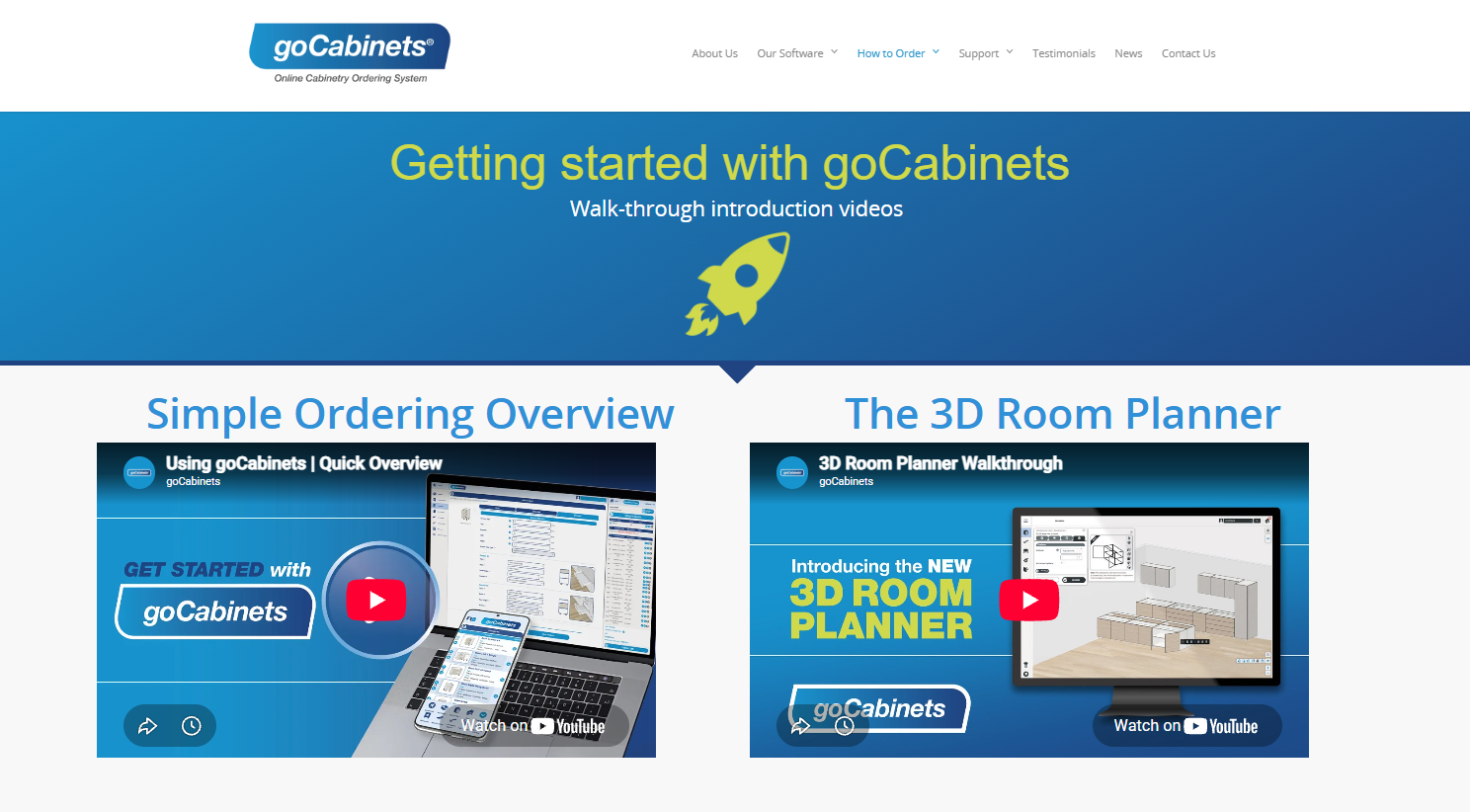
- Simple Ordering Overview & 3D Room Planner: Introductions to ordering cabinetry online and navigating the 3D room design interface.
- Basic & Mouse Controls: Guides on fundamental software controls, room navigation, and mouse actions.
- Keyboard Shortcuts & Account Settings: Quick key commands to speed up workflow and an overview of managing default account settings.
- Creating Jobs & Adding Elements: Step-by-step instructions for starting a job, placing cabinet products, adding benchtops, doors, and end panels.
- Materials, Colours & Room Edits: How to select material finishes and customize room layouts or default settings.
- Submitting Jobs & Documentation: Processing finished orders and reviewing generated Job Details PDFs.
- 5 Handy Hints: Tips for maximizing efficiency, including using favorites, quick-add tools, detailed cart features, and cloning rooms or products.
Was this article helpful?
That’s Great!
Thank you for your feedback
Sorry! We couldn't be helpful
Thank you for your feedback
Feedback sent
We appreciate your effort and will try to fix the article