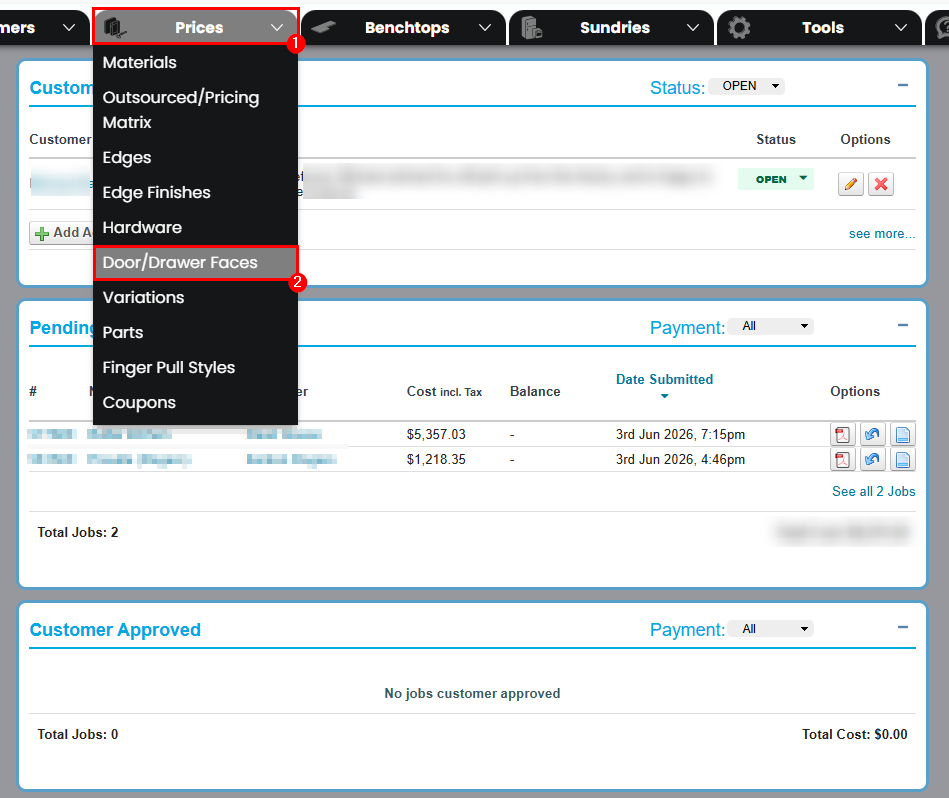
First we will want to navigate to Prices > Doors\Drawer Faces.
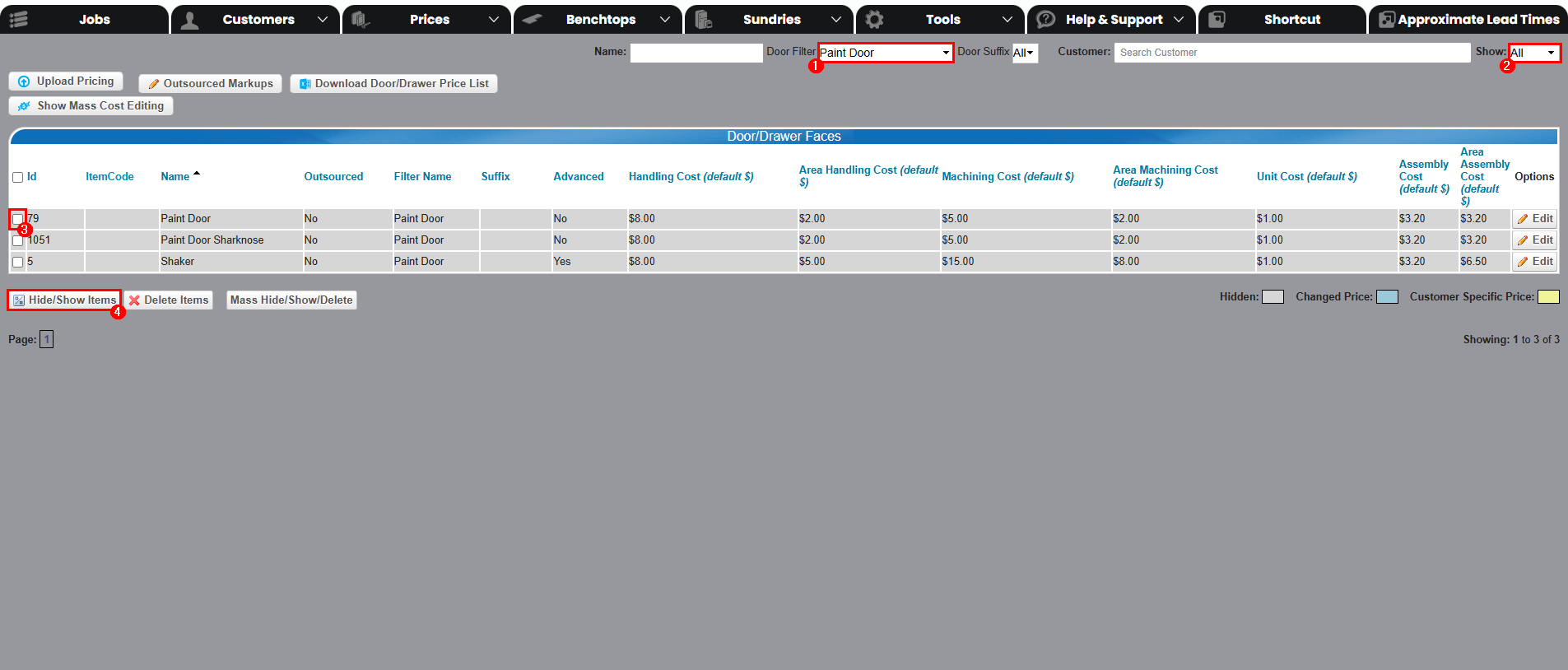
Once here make sure Show is set to All and Door Filter is set to Paint Door.
Now select the tick box on the left of 'Paint Door', and click Hide/Show Items
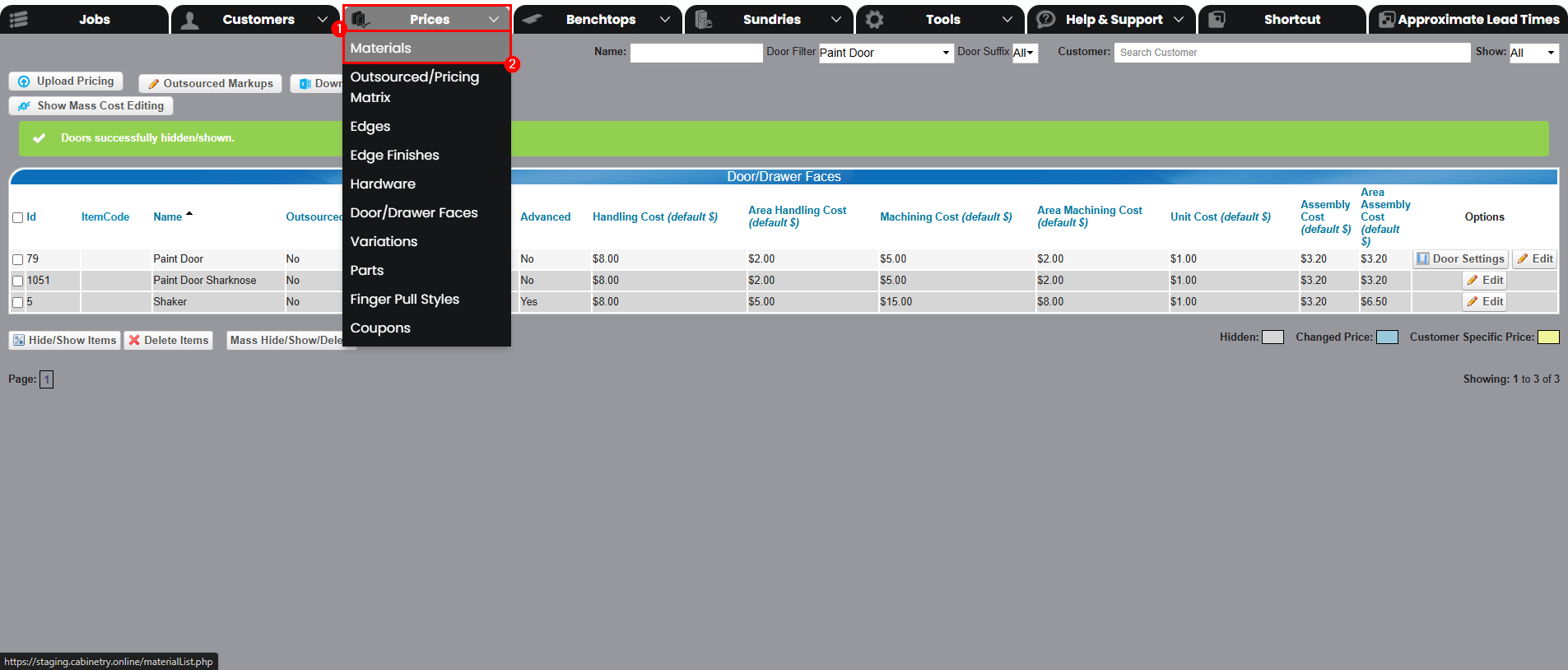
Now we'll go to Prices > Materials.
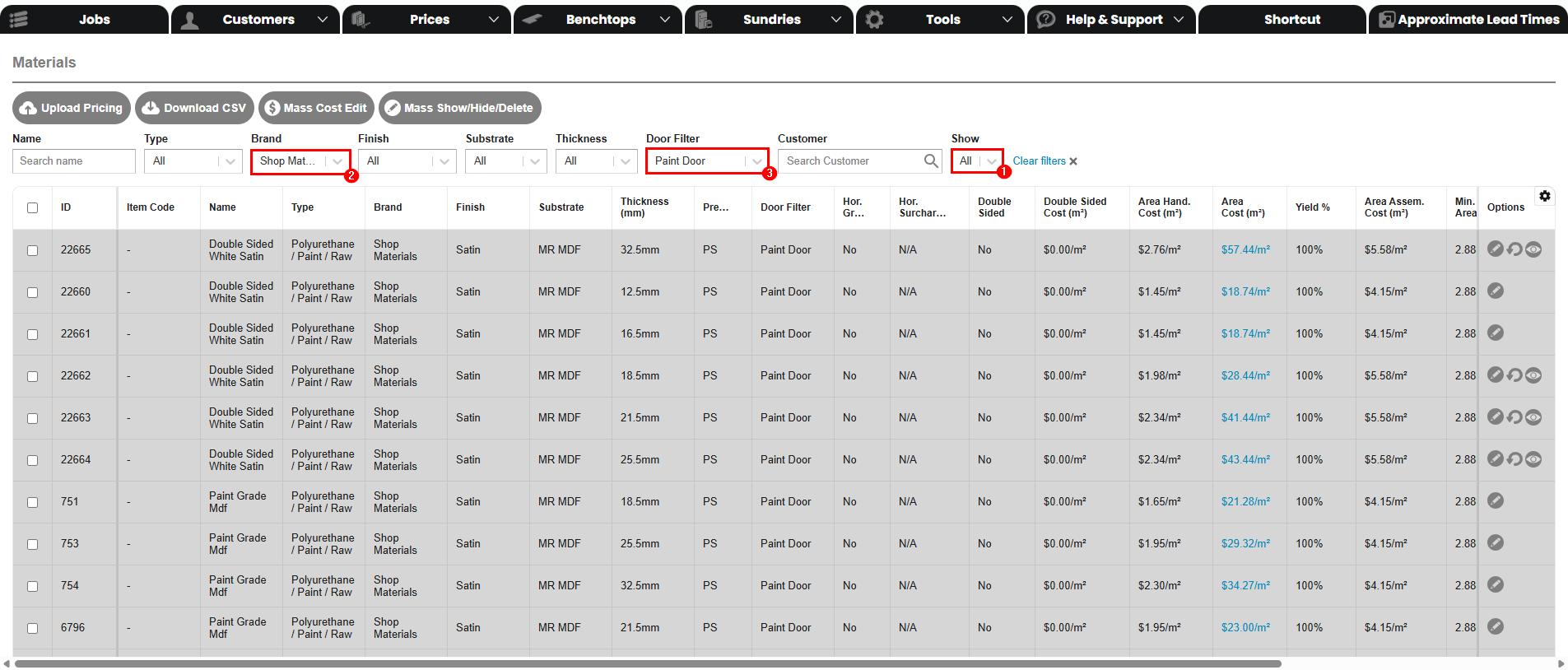
Once in materials, change the filters to:
Show - All
Brand - Shop Materials
Door Filter - Paint Door
A few things to note here:
Double Sided White Satin - Means primed and ready to be painted - For if customers want to source paint themselves
Paint Grade Mdf - Is the same as Double Sided White Satin, it just has a different name
Raw MrMdf - Means raw, unfinished and not primed
You need to ensure that any materials that you enable, have a matching door filter to the one we enabled earlier
(Paint Door)
If you want your customers to be able to order paint do the following:
Name > Custom Colour
Brand > Dulux
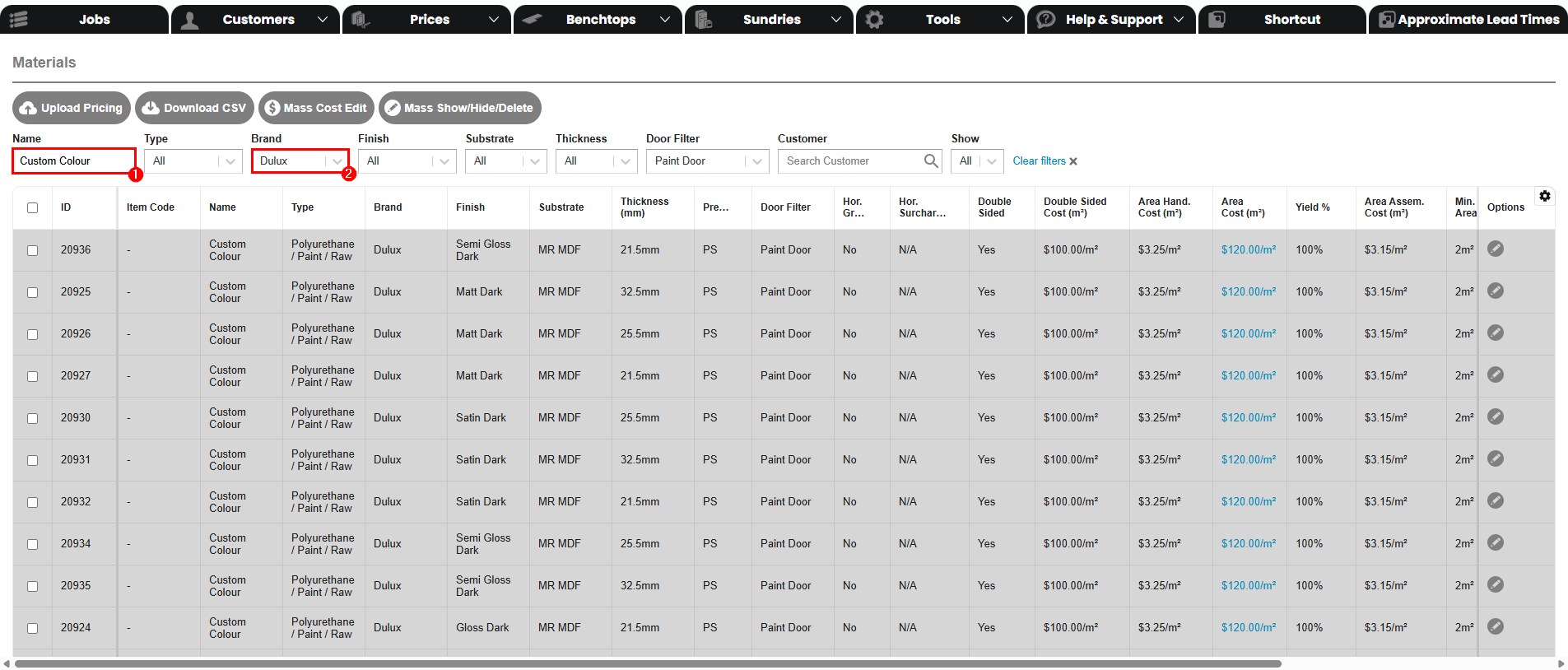
You can now choose what finishes and thicknesses you would like enabled.
Things to note here:
Area Cost - This is the cost for the board, plus the cost for the paint, per square meter
If double sided, you will only need to put the paint cost in, as this is already factored into the material cost
Next go to Prices > Edges
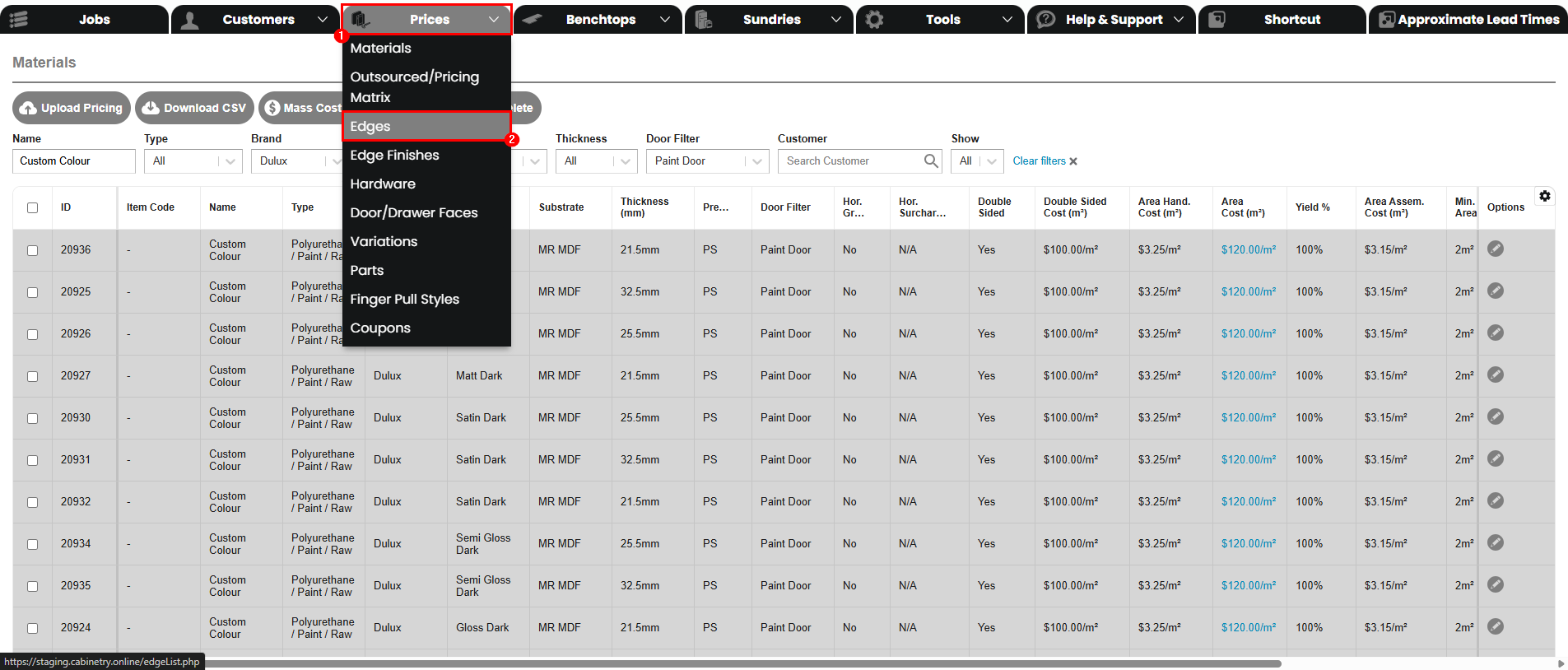
Now change the filters to:
Show: All
Type: Polyurethane / Paint / Raw
Door Filter: Paint Door
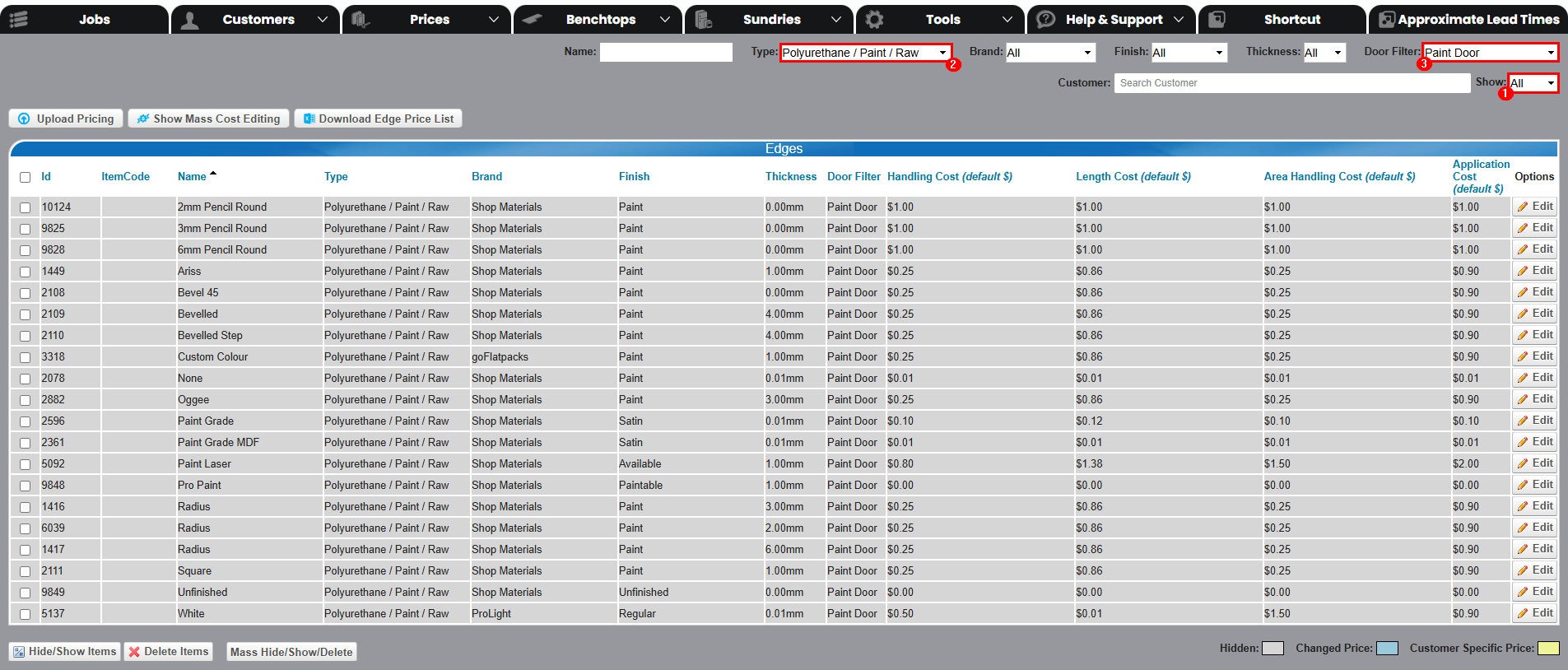
Which edging to select is up to your preference, our recommendations are:
- Square
- Arris
- Pencil Round
Once all of that has been enabled, your customers will be able to order it!
All three must be done for your customers to successfully order this.
Was this article helpful?
That’s Great!
Thank you for your feedback
Sorry! We couldn't be helpful
Thank you for your feedback
Feedback sent
We appreciate your effort and will try to fix the article