This link provides a collection of manufacturer guides designed to help users control which materials, edging, hardware, and door styles are available to customers on their portal, alongside instructions for configuring default display settings and pricing models. Additional articles include adding or unhiding materials, configuring 2pac paint or reverse bevel/shark nose doors, managing hardware and sundry items, and understanding bi-fold hinges or corner cabinet oversizing.
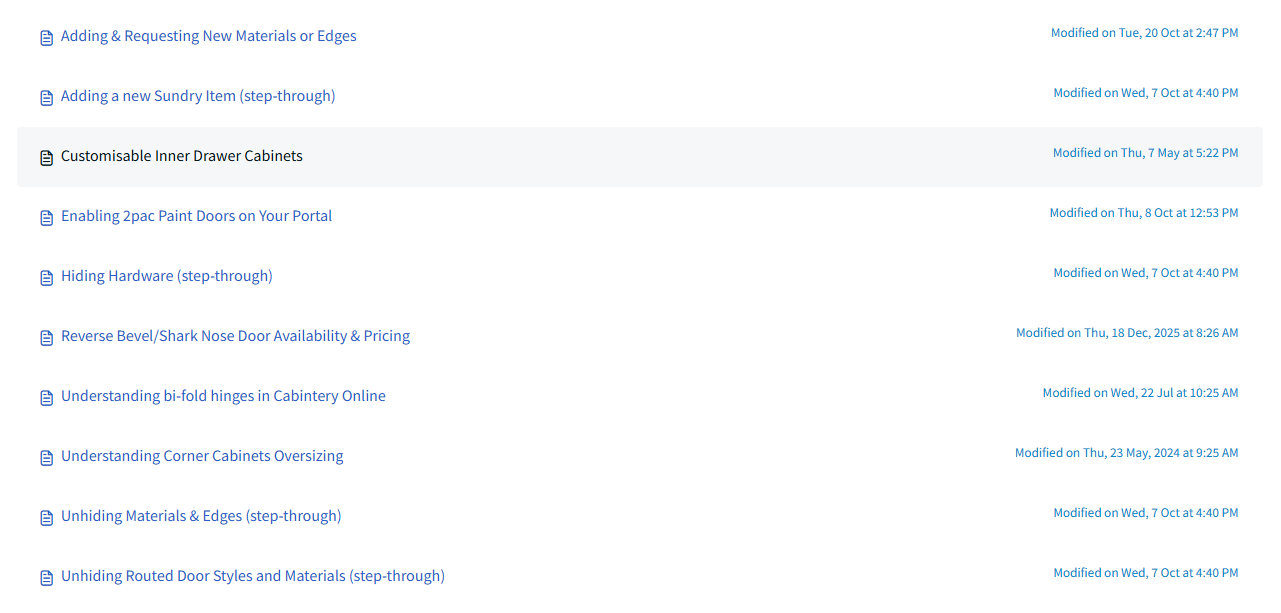
- Adding & Requesting New Materials or Edges
- Adding a new Sundry Item (step-through)
- Customisable Inner Drawer Cabinets
- Enabling 2pac Paint Doors on Your Portal
- Hiding Hardware (step-through)
- Reverse Bevel/Shark Nose Door Availability & Pricing
- Understanding bi-fold hinges in Cabintery Online
- Understanding Corner Cabinets Oversizing
- Unhiding Materials & Edges (step-through)
- Unhiding Routed Door Styles and Materials (step-through)
Click the below image:
Was this article helpful?
That’s Great!
Thank you for your feedback
Sorry! We couldn't be helpful
Thank you for your feedback
Feedback sent
We appreciate your effort and will try to fix the article