The video provides a comprehensive guide on managing pricing and product availability within an online cabinetry platform. It details how users can control product visibility across categories like board materials, edge banding, hardware, and door profiles. Furthermore, the video explains how to set up complex cost structures for each category, including sheet dimensions, yield percentages, handling fees, area-based costs, machining, and assembly charges.
Materials Visibility: Manage board material visibility so customers can only select active colors, brands, and substrates; adjustments can be made individually or in bulk using filters.2
Edges & Hardware Settings: Filter and toggle visibility for matching edges and complete hardware series (such as hinge lines).
Material Pricing: Edit material costs per square meter, double-sided additions, handling and labor costs, yield percentage, sheet size limits, and minimum job area fees.
Edge & Hardware Pricing: Configure fixed per-edge handling fees, linear meter application costs, and hardware fees including unit prices, inner drawer components, machining, and assembly.
Doors, Parts & Features: Apply fixed or variable costs for door styles, drawer faces, cabinet parts (like adjustable shelves), and fingerpull checkouts.
Coupons: Create discounts (fixed amount, percentage, or free shipping) with customizable parameters such as usage limits, user eligibility, minimum job amounts, and active date ranges
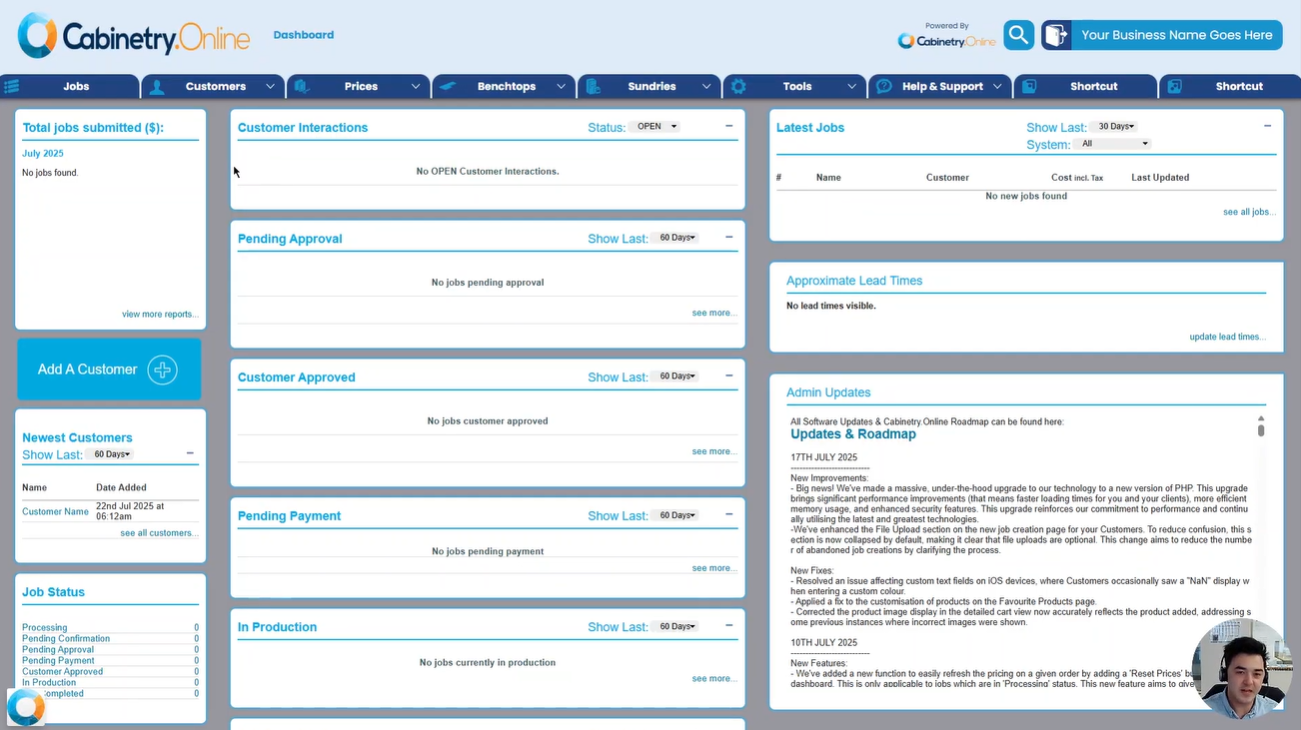
Click the below image:
Was this article helpful?
That’s Great!
Thank you for your feedback
Sorry! We couldn't be helpful
Thank you for your feedback
Feedback sent
We appreciate your effort and will try to fix the article