This training video demonstrates how to configure the backend settings and options within the Cabinetry Online manufacturer portal. The video establishes system preferences and manufacturer defaults—such as delivery lead times, minimum order charges, price markups, hinge placements, and set up customer communications.
The video also covers business account details, manual customer registration with personalized account overrides, and peripheral portal tools like pricing, reports, and support.
Summary of the key portal settings and tools covered:
- Preferences Setup: Options to manage glass cutout orders, customer coupons, self-registration, supporting file uploads, door hang symbol orientation, job quote validity periods (typically 31 days), job landing pages, email notification types, customer delivery date requests, and custom job statuses.
- Manufacturer Defaults: Controls for automatic hinge drilling placements, minimum job charges, global percentage price markups, variation requests, hinge count thresholds, estimated delivery times, minimum delivery fees, product supply methods (flat pack vs. assembled), hardware supply settings, adjustable leg options, and base cabinet top rails.
- Submission Prompts & Customer Defaults: Configurations for secondary pop-up messages upon job submission and standard preset defaults for materials, carcass edging, room assistants, and hardware across new accounts.
- Product Customization & Updates: Features to toggle specific cabinet products on or off, edit product names, set minimum/maximum size limits, display news/social media links, and set pop-up login alerts.
- Branding & System Details: Settings for custom subdomains, system colors, fonts, help and support links, pickup locations/depots, company contact details, and banking information on generated invoice PDFs.
- Customer Management: Workflows for manually registering new customer accounts, assigning customer labels, defining account-specific markups or overrides, and managing existing user profiles.
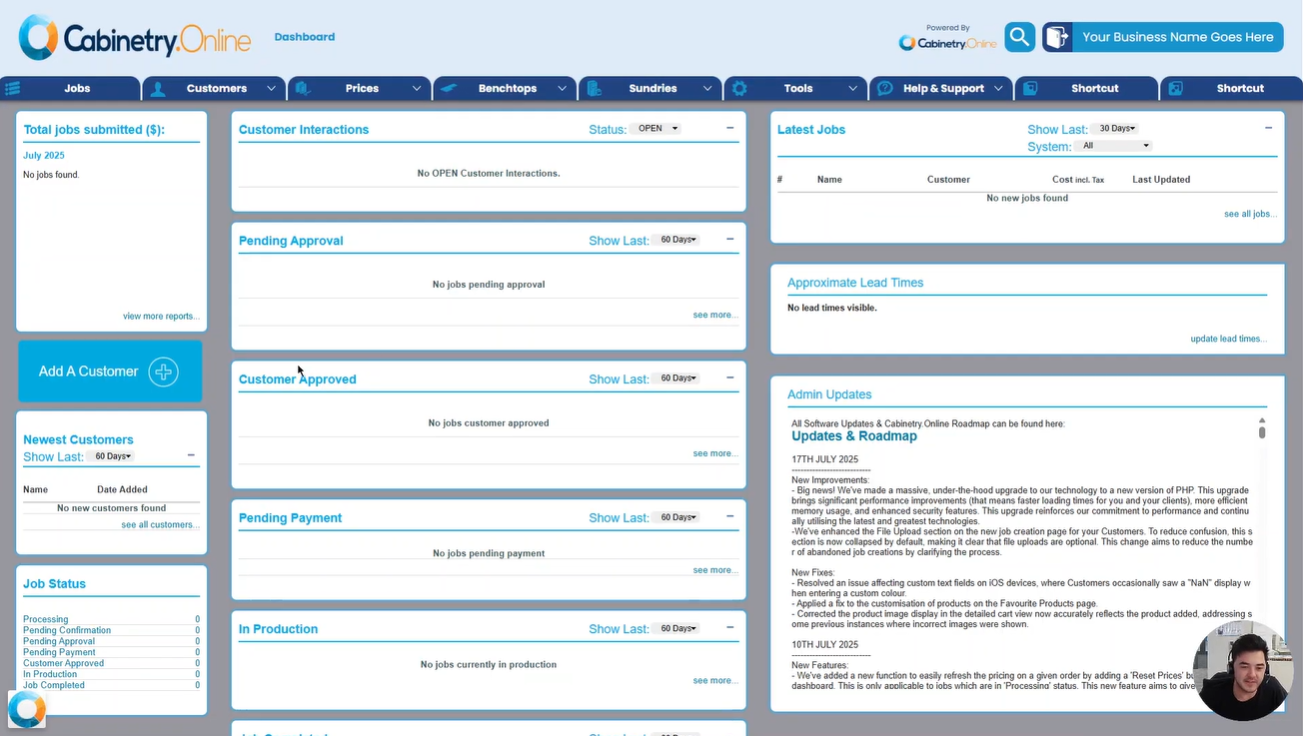
- Additional Portal Tools: Overview of other menu areas including price adjustments, benchtop setup, sundry items, reporting tools, lead times, and support/roadmap resources.
Click the below image:
Was this article helpful?
That’s Great!
Thank you for your feedback
Sorry! We couldn't be helpful
Thank you for your feedback
Feedback sent
We appreciate your effort and will try to fix the article