The linked articles provide step-by-step documentation to assist users with navigating the online portal, managing account settings, configuring cabinetry options like drawer face heights and door overhangs, and performing basic browser maintenance.
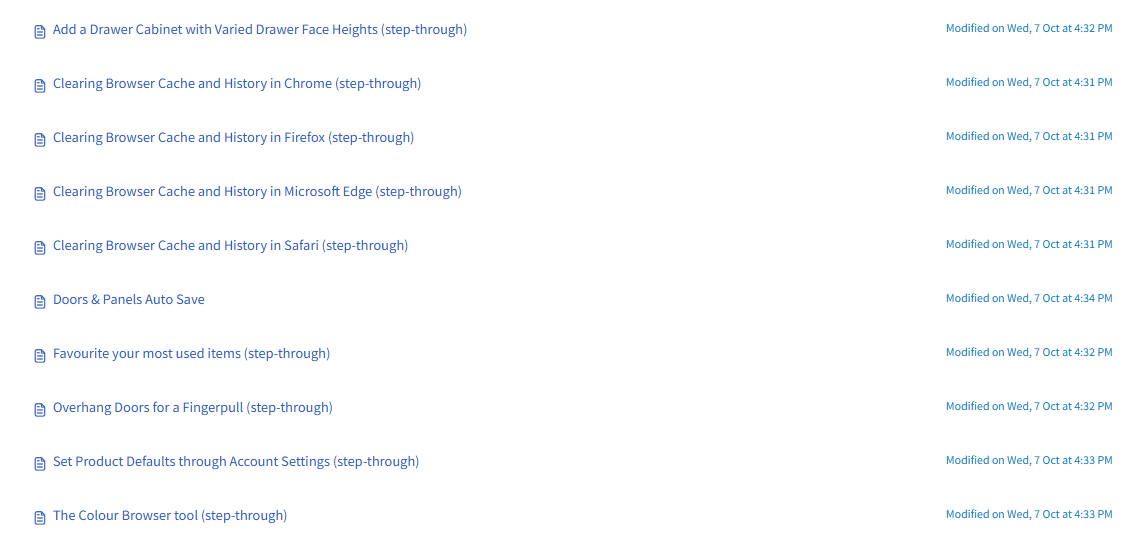
- Add a Drawer Cabinet with Varied Drawer Face Heights (step-through)
- Clearing Browser Cache and History in Chrome (step-through)
- Clearing Browser Cache and History in Firefox (step-through)
- Clearing Browser Cache and History in Microsoft Edge (step-through)
- Clearing Browser Cache and History in Safari (step-through)
- Doors & Panels Auto Save
- Favourite your most used items (step-through)
- Overhang Doors for a Fingerpull (step-through)
- Set Product Defaults through Account Settings (step-through)
- The Colour Browser tool (step-through)
- Using the Improved Doors & Panels Screen (step-through)
Click the below image:
Was this article helpful?
That’s Great!
Thank you for your feedback
Sorry! We couldn't be helpful
Thank you for your feedback
Feedback sent
We appreciate your effort and will try to fix the article