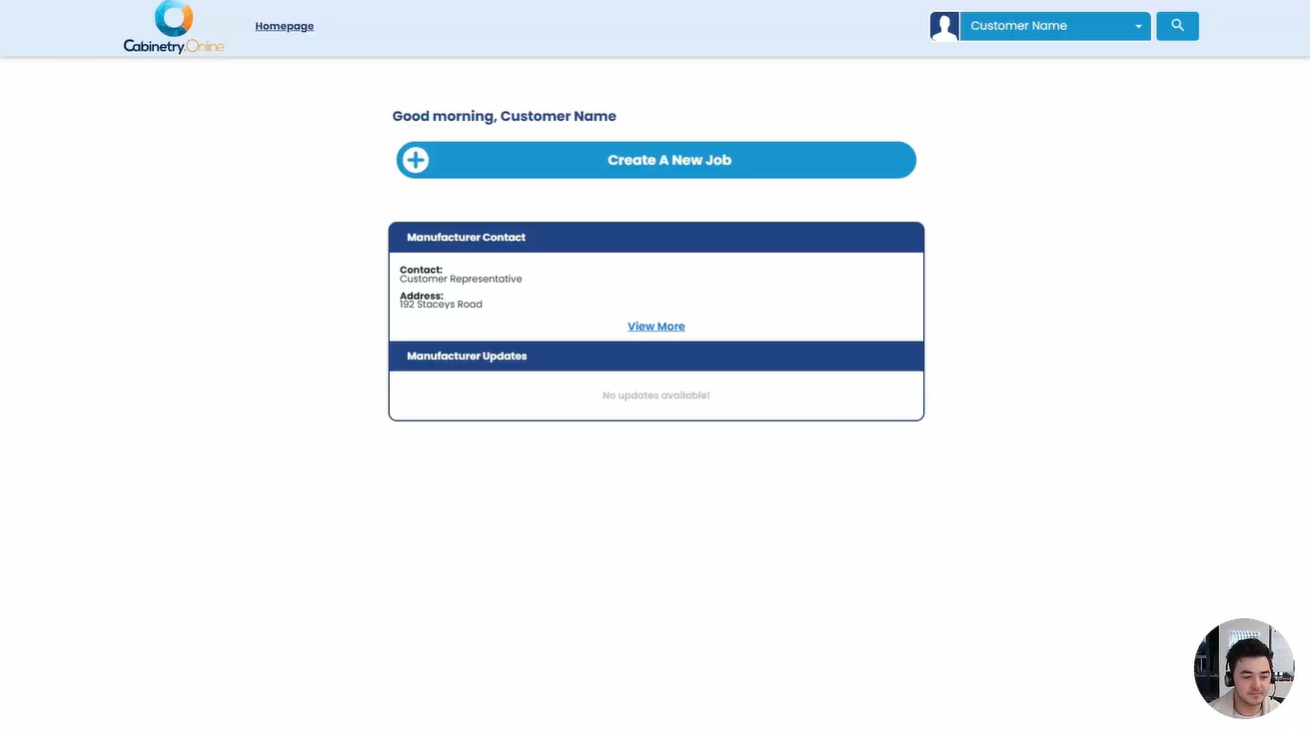
This video demonstrates how customers navigate the ordering platform to create and submit a cabinetry job. Users can set room defaults for materials, colors, and hardware, browse or search for products across multiple categories, and customize items using live 3D previews and material selections. After items are added to the cart, users can review pricing and summary documents before finalizing their order for manufacturer approval.
- Account & Job Creation
- Room Setup & Presets
- Product Options
- Room Assistant
- Cart, Review, & Submission
Click the below image:
Was this article helpful?
That’s Great!
Thank you for your feedback
Sorry! We couldn't be helpful
Thank you for your feedback
Feedback sent
We appreciate your effort and will try to fix the article