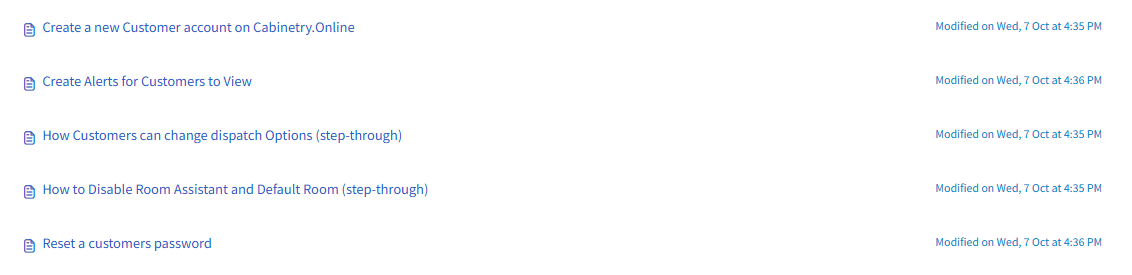
The below articles serves as a guide index for Customer account setup & preferences within Cabinetry.Online. It provides access to five step-by-step articles covering account administration tasks, such as creating new customer accounts, resetting user passwords, setting up visible customer alerts, adjusting customer dispatch options, and disabling the Room Assistant alongside default room configurations.
- Create a new Customer account on Cabinetry.Online
- Create Alerts for Customers to View
- How Customers can change dispatch Options (step-through)
- How to Disable Room Assistant and Default Room (step-through)
- Reset a customers password
Click the below image:
Was this article helpful?
That’s Great!
Thank you for your feedback
Sorry! We couldn't be helpful
Thank you for your feedback
Feedback sent
We appreciate your effort and will try to fix the article