A new icon will display for jobs paid via the new payment settings on your Dashboard.
This will outline if a payment has been received, and by what method. (Invoice, Bank Deposit, Card, Account)
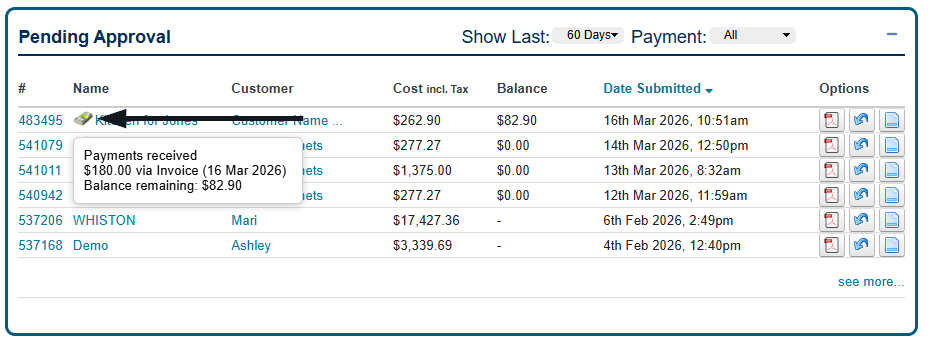
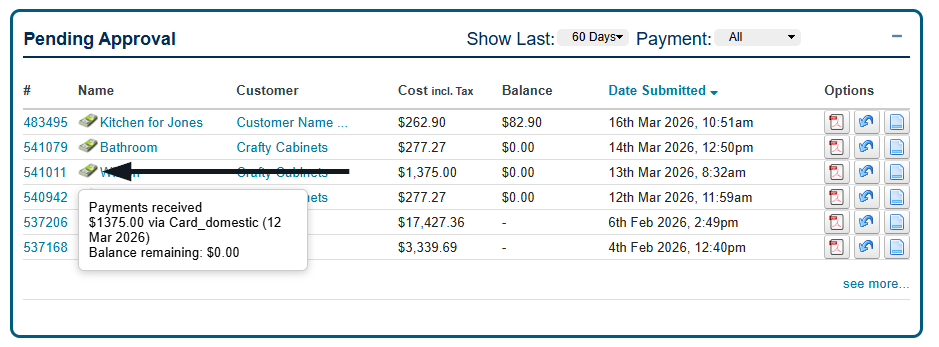
You can view payment information directly within each job.
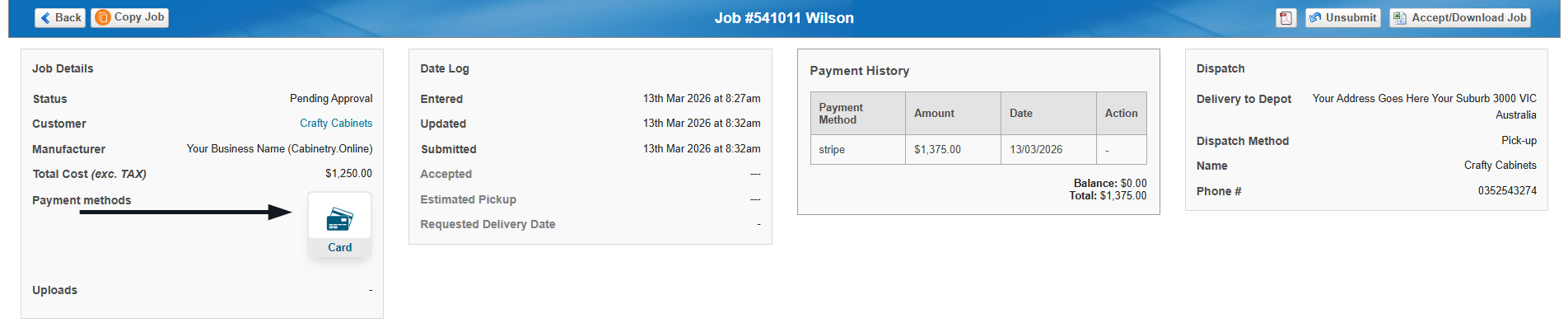
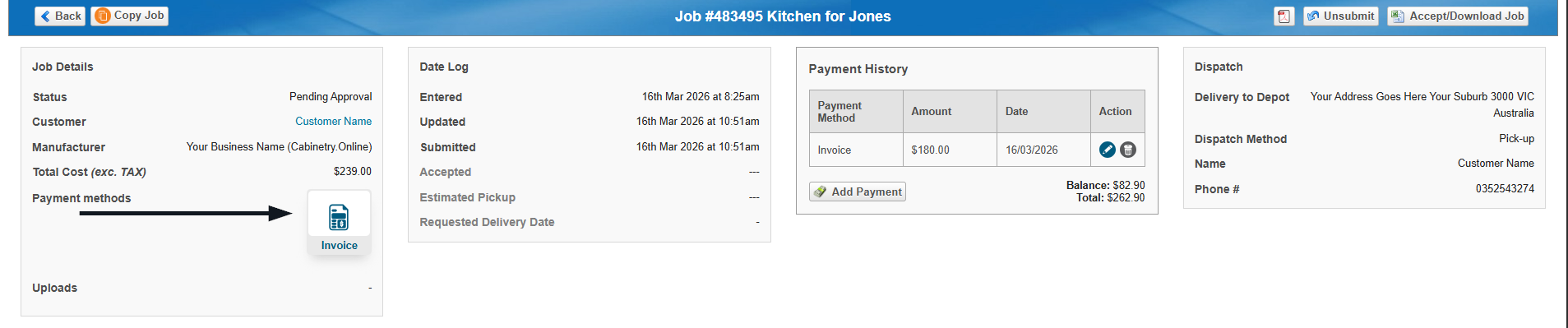
The job page will display:
Payment method used:
Card:
Invoice:
Has an Account (Payment Not Required):
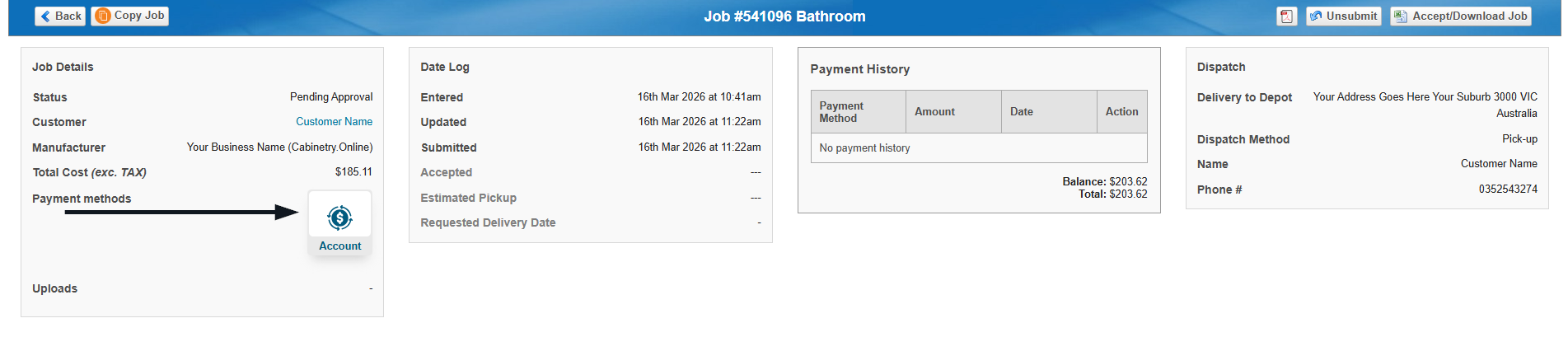
Payment history:
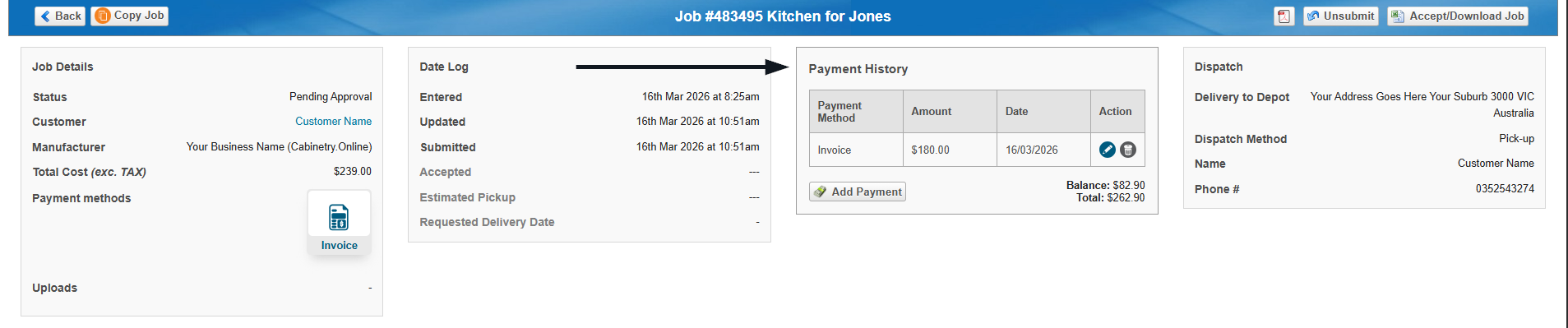
Deposit paid:
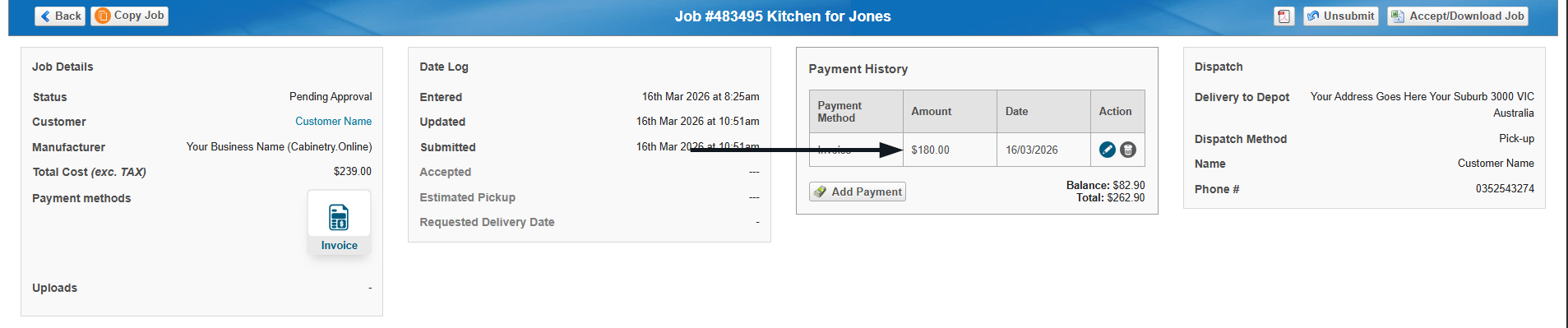
Outstanding balance:
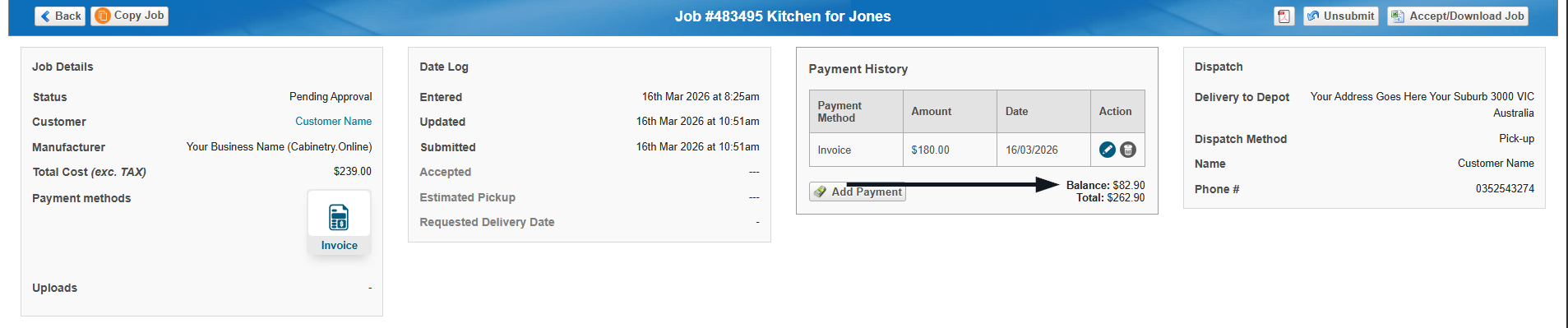
This makes it easy to track whether a job is:
fully paid
partially paid
awaiting payment
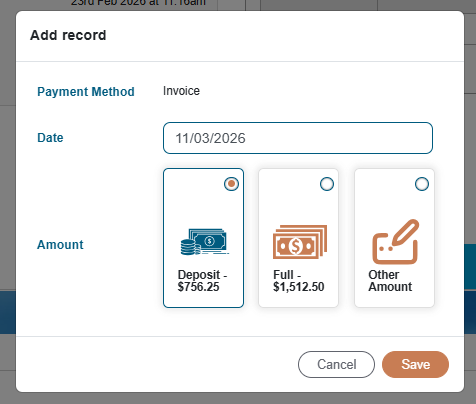
You can add a payment to an order if required by clicking 'Add Payment'.
You can then nominate if a deposit, full payment, or other amount has been recieved, along with the payment date.
Was this article helpful?
That’s Great!
Thank you for your feedback
Sorry! We couldn't be helpful
Thank you for your feedback
Feedback sent
We appreciate your effort and will try to fix the article