Shelf Drilling Types
Shelf Drilling Types control which drilling methods are available for shelf configuration on a manufacturer's account. These settings are found under Manufacturer Defaults and apply globally to the customer's available shelf selection.
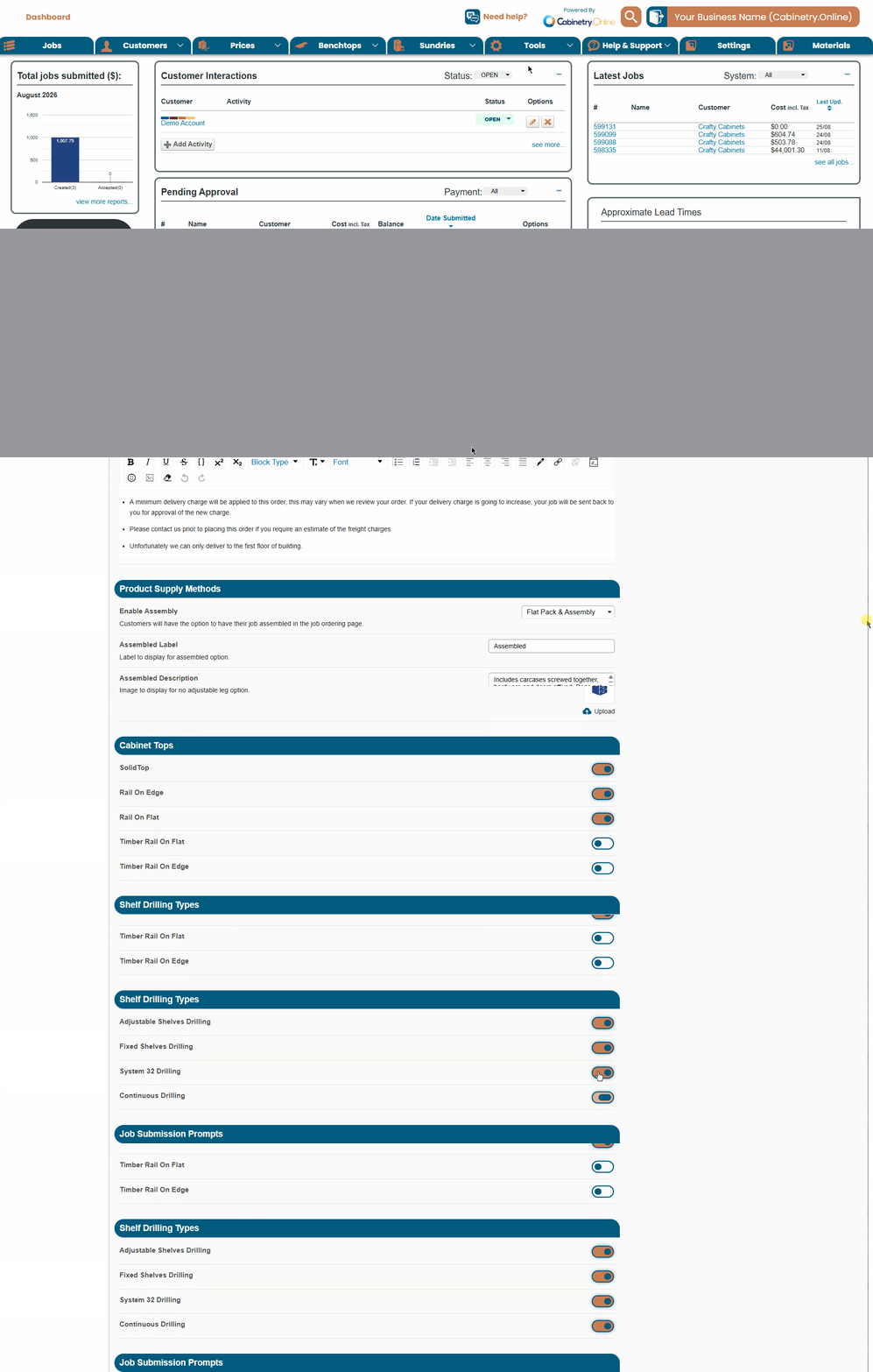
Where to Find It
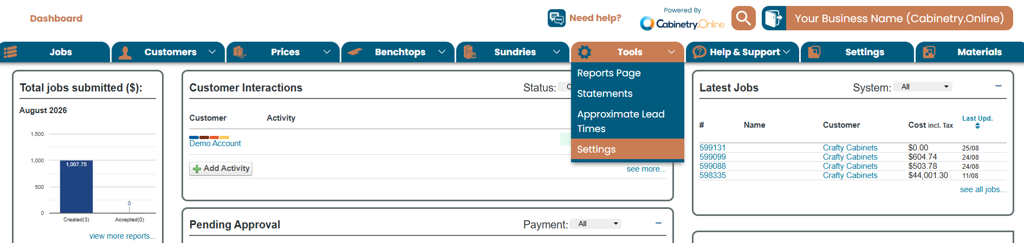
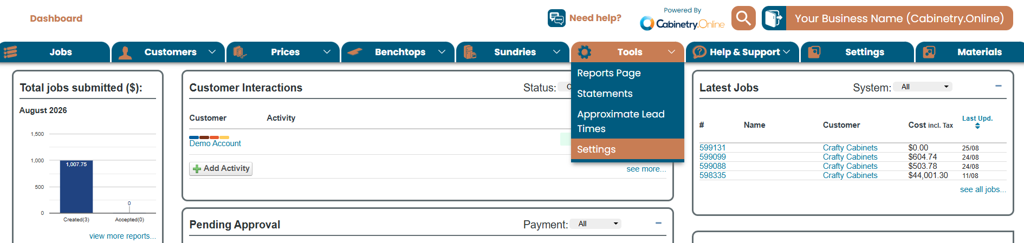
From the main navigation bar, go to Tools > Settings.
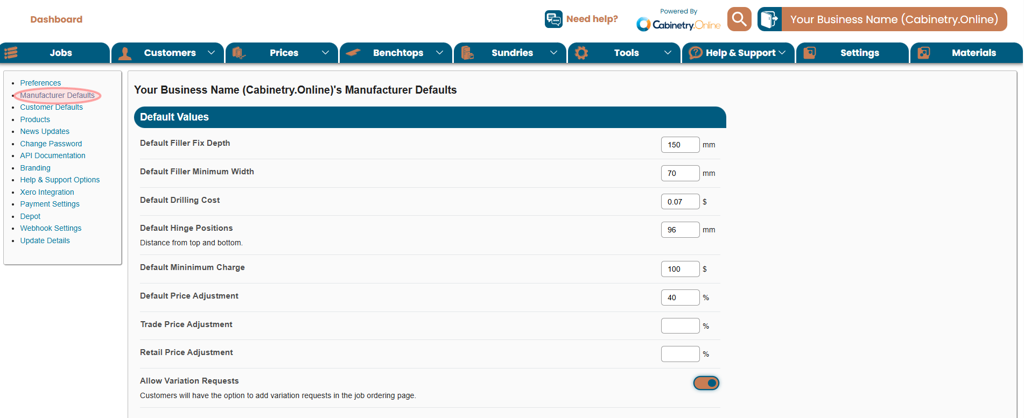
On the Settings tab, select Manufacturer Defaults from the left-hand menu.
Scroll to the Shelf Drilling Types section.
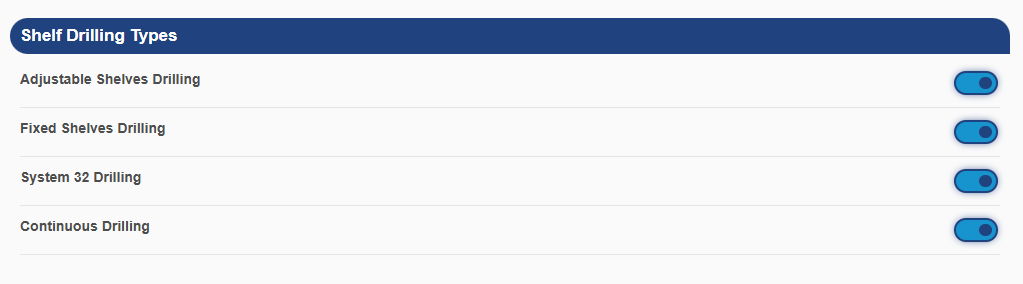
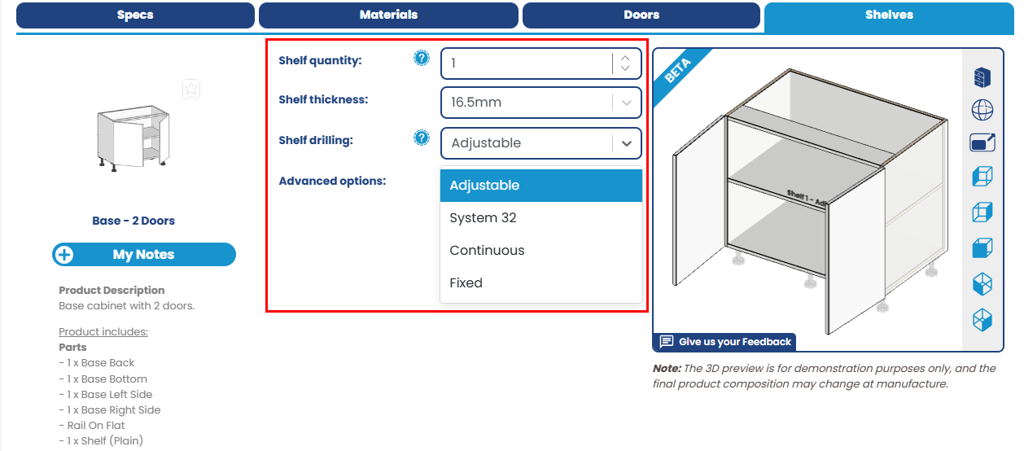
Available Options:
All four drilling types (Adjustable, Fixed, System 32, and Continuous) are enabled by default
Setting | Description |
|---|---|
Adjustable Shelves Drilling | Enables drilling for adjustable (movable) shelf positions. |
Fixed Shelves Drilling | Enables drilling for fixed shelf positions |
System 32 Drilling | Rows of holes are drilled at 32mm centres to the System 32 standard. Shelf positions are determined by the drilling pattern. Shelf setback is based on the customers Room Default. |
Continuous Drilling | Enables continuous line-boring style drilling, starting 150mm from the bottom of the cabinet. The end drilling will be 150mm from the top, based on the customers top choice. Shelf setback is based on the customers Room Default. |
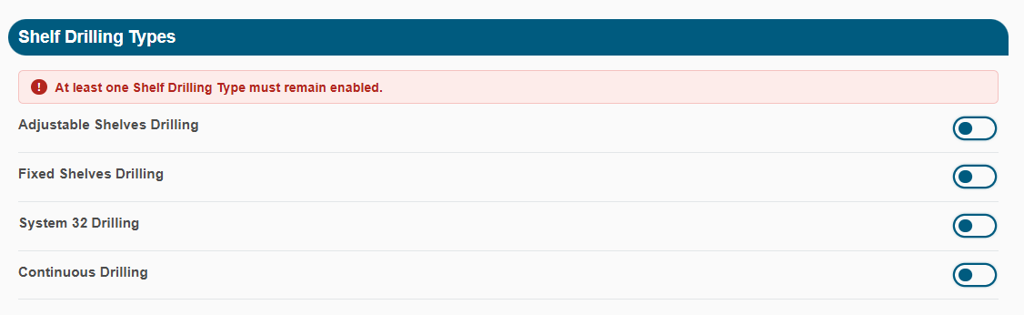
At least one Shelf Drilling Type must remain enabled at all times:
Scroll to the bottom of the page and click Save for changes to take effect - Toggling the switch alone does not apply the change.
Shelf Thickness Selection
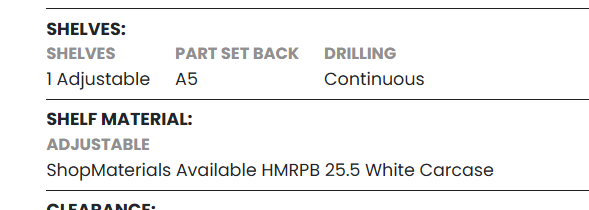
Customers can also select the Shelf Thickness when configuring cabinets with shelves. The options available in this dropdown are directly tied to which material thicknesses are enabled.
The Shelf Thickness dropdown will display all thicknesses that correspond to the specific material currently selected for interior material.
Example: If 16.5mm, 18.5mm and 21.5mm thick materials are enabled for a specific colour, all three options will appear in the Shelf Thickness dropdown for the customer to choose from.
Example: If only one material thickness has been enabled, for instance, only 16.5mm, the customer will only see that single option in the dropdown, with no other choices available.
Was this article helpful?
That’s Great!
Thank you for your feedback
Sorry! We couldn't be helpful
Thank you for your feedback
Feedback sent
We appreciate your effort and will try to fix the article